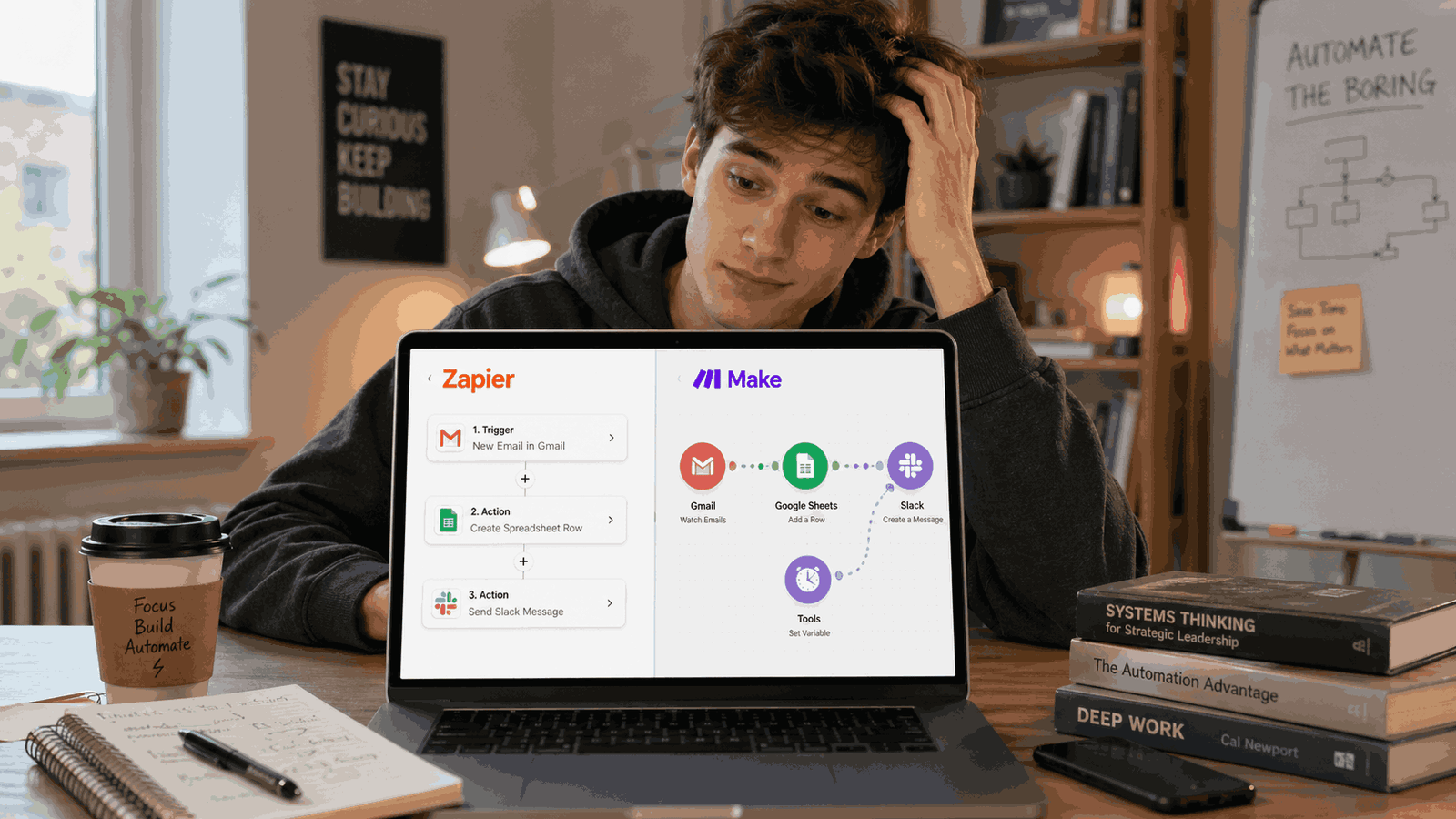

When it comes to AI automation for students, building a free and simple system can save you hours of busywork. Here is exactly how I automated my assignments, emails, notes, and planning to reclaim 3 hours every single day.
I used to wake up already exhausted.
Not from sleeping badly. From knowing what was waiting for me — a backlog of unread emails, notes to organise from yesterday’s lectures, assignments to research, messages to reply to, and a to-do list that somehow got longer every night.
I wasn’t lazy. I was just doing everything manually the way everyone told me to.
Then I found AI automation. And quietly, without telling anyone, I started using it to handle the boring parts of my student life. Within two weeks, I had 3 hours back every single day.
That is where AI automation for students becomes useful: it removes the repetitive admin work so you can spend more time actually studying.
This is exactly what I did. Every tool, every workflow, completely free.
The Problem with Being a Student in 2026
Here’s what a typical student day actually looks like:
- Wake up, check emails (20 minutes of reading, sorting, replying)
- Sit in a lecture, try to write notes fast enough (you always miss things)
- Come home, try to figure out what to study and in what order
- Spend 45 minutes researching one paragraph of an assignment
- Realize you forgot to reply to three messages
- Sleep late. Repeat.
Nobody is teaching us to work smarter. We’re still using 2010 habits while students now need stronger digital skills to keep up.
That changes now.
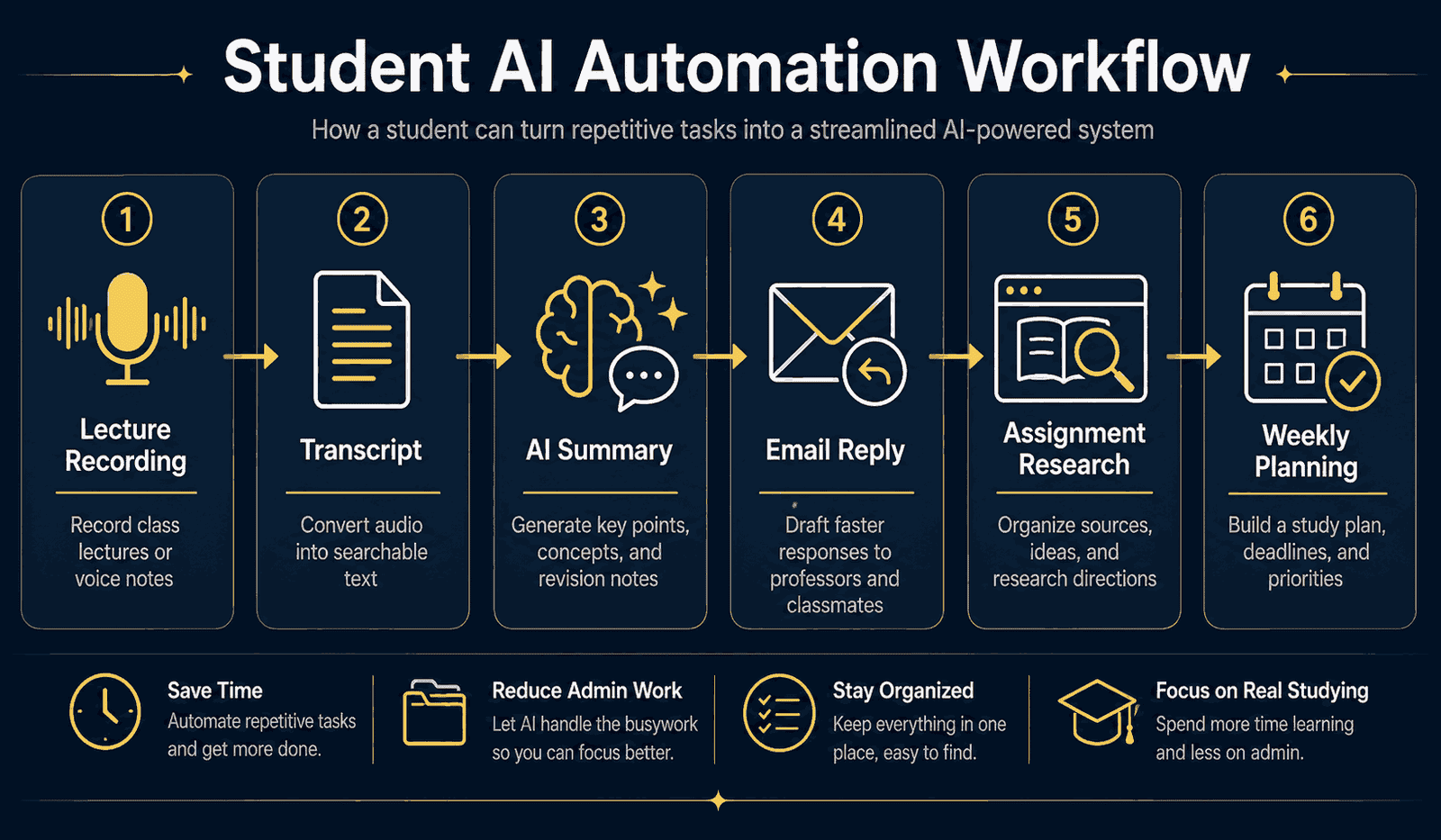
5 Examples of AI Automation for Students That Save Time
1. Lecture Notes — Automated
The old way: Frantically typing during lectures, missing half of it, spending an hour rewriting notes afterwards.
The new way: I record my lectures on my phone (with permission). Then I paste the transcript into ChatGPT with one prompt:
“You are a study assistant. Here is a transcript of my lecture on [topic]. Summarise the 10 most important points in clear bullet points, then list any key terms I should memorise.”
Done in 90 seconds. Clean, structured notes — better than anything I wrote by hand.
Free tool: ChatGPT (free tier) + your phone’s built-in voice recorder.
2. Email Replies — Automated
The old way: Staring at an email from a professor for 10 minutes trying to figure out how to sound professional without being weird.
The new way: I paste the email into ChatGPT and say:
“Write a polite, professional reply to this email. Keep it short. I want to [ask for an extension / confirm attendance / request clarification].”
I read it, tweak one or two words, and send. What used to take 15 minutes takes 2.
Free tool: ChatGPT
3. Assignment Research — Automated
The old way: Opening 12 browser tabs, reading half of each one, getting distracted, losing track of sources.
The new way: I use Perplexity AI (free). It’s like Google — but instead of a list of links, it gives you a researched answer with sources already cited.
I type my assignment question directly. It gives me a structured answer with references. I use that as my research starting point — not my final answer, but my foundation. I actually understand the topic faster, and I never lose a source.
Free tool: Perplexity.ai
4. Weekly Planning — Automated
The old way: Sunday night panic. What’s due this week? When are exams? What should I prioritise?
The new way: Every Sunday I spend 5 minutes typing all my deadlines and commitments into ChatGPT:
“Here are my tasks for the week: [list]. Help me build a day-by-day study plan, prioritising by urgency and estimated time. Leave evenings free.”
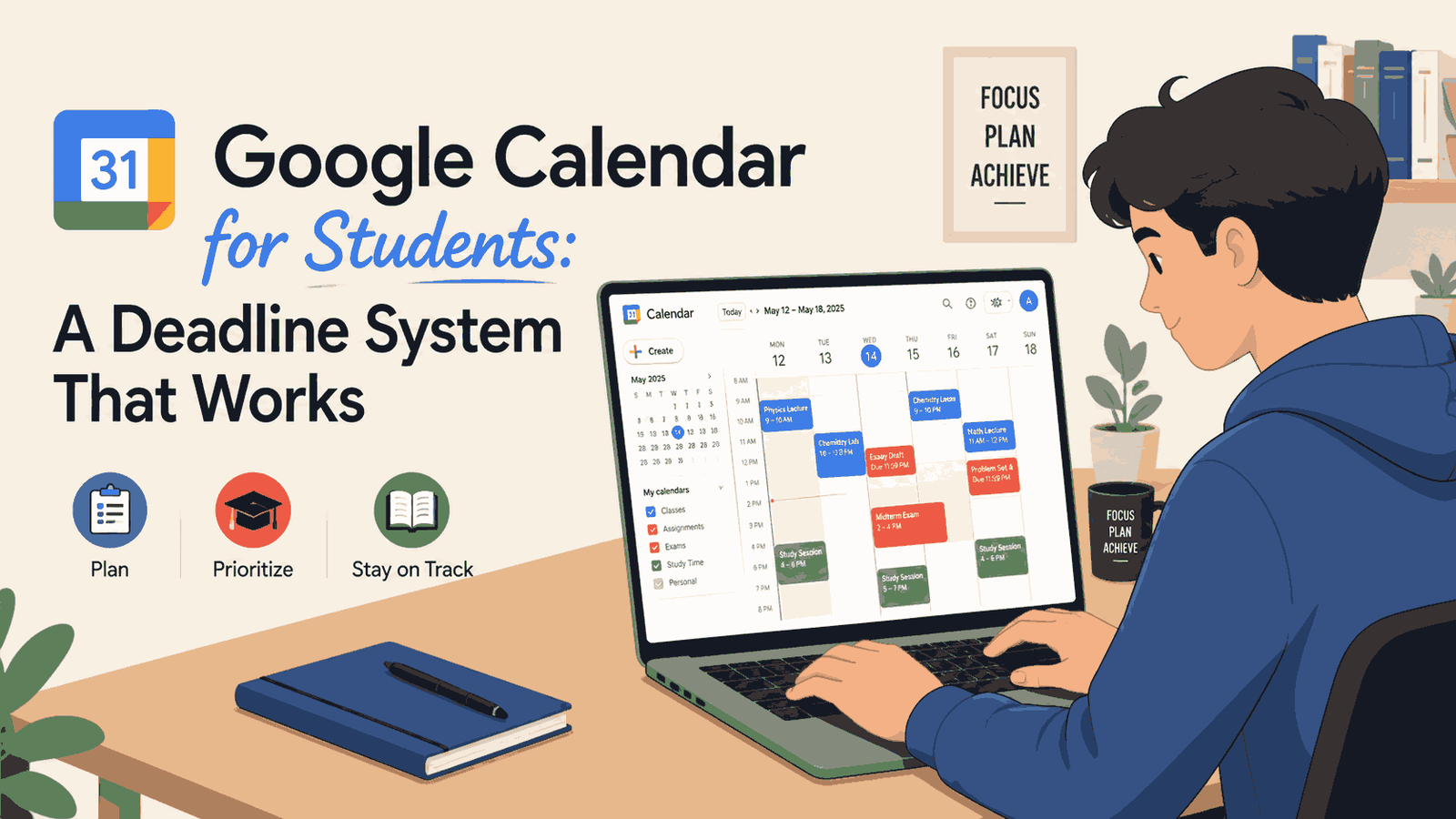
It builds my entire week for me. I then drop these time blocks straight into my schedule (if you want to see my exact visual setup, check out my guide on [how to use Google Calendar for university deadlines]). I just follow the plan. No more Sunday panic.
Free tool: ChatGPT
5. Summarising Long Readings — Automated
The old way: Assigned a 40-page paper. Spend 2 hours reading it. Understand maybe 60% of it.
The new way: I paste the text (or key sections) into ChatGPT:
“Summarise this academic paper in simple language. What is the main argument? What evidence do they use? What are the limitations? Give me 5 key takeaways.”
I get the full picture in 3 minutes. Then I go back and read the sections that actually matter for my assignment.
Free tool: ChatGPT / Claude AI
My Exact Daily Routine Now
Here’s what my morning looks like now vs before:
| Task | Before | After |
|---|---|---|
| Checking + replying to emails | 25 min | 5 min |
| Organising lecture notes | 60 min | 5 min |
| Assignment research | 90 min | 20 min |
| Daily planning | 20 min | 0 min (done Sunday) |
| Reading summaries | 120 min | 15 min |
| Total | 315 min | 45 min |
That’s 4+ hours back. Every single day.
What I Don’t Automate (And Why)
I want to be honest with you. AI doesn’t replace thinking — it removes the friction around it.
I don’t let AI write my assignments. I use it to understand the topic faster, improve my research, and write with better structure the same logic behind understanding SEO for students. The thinking is still mine.
I don’t blindly copy AI-generated notes. I skim them, highlight what I didn’t know, and add my own understanding.
The goal is not to do less work. The goal is to spend your energy on the parts that actually require a human brain — and let the machine handle the admin.
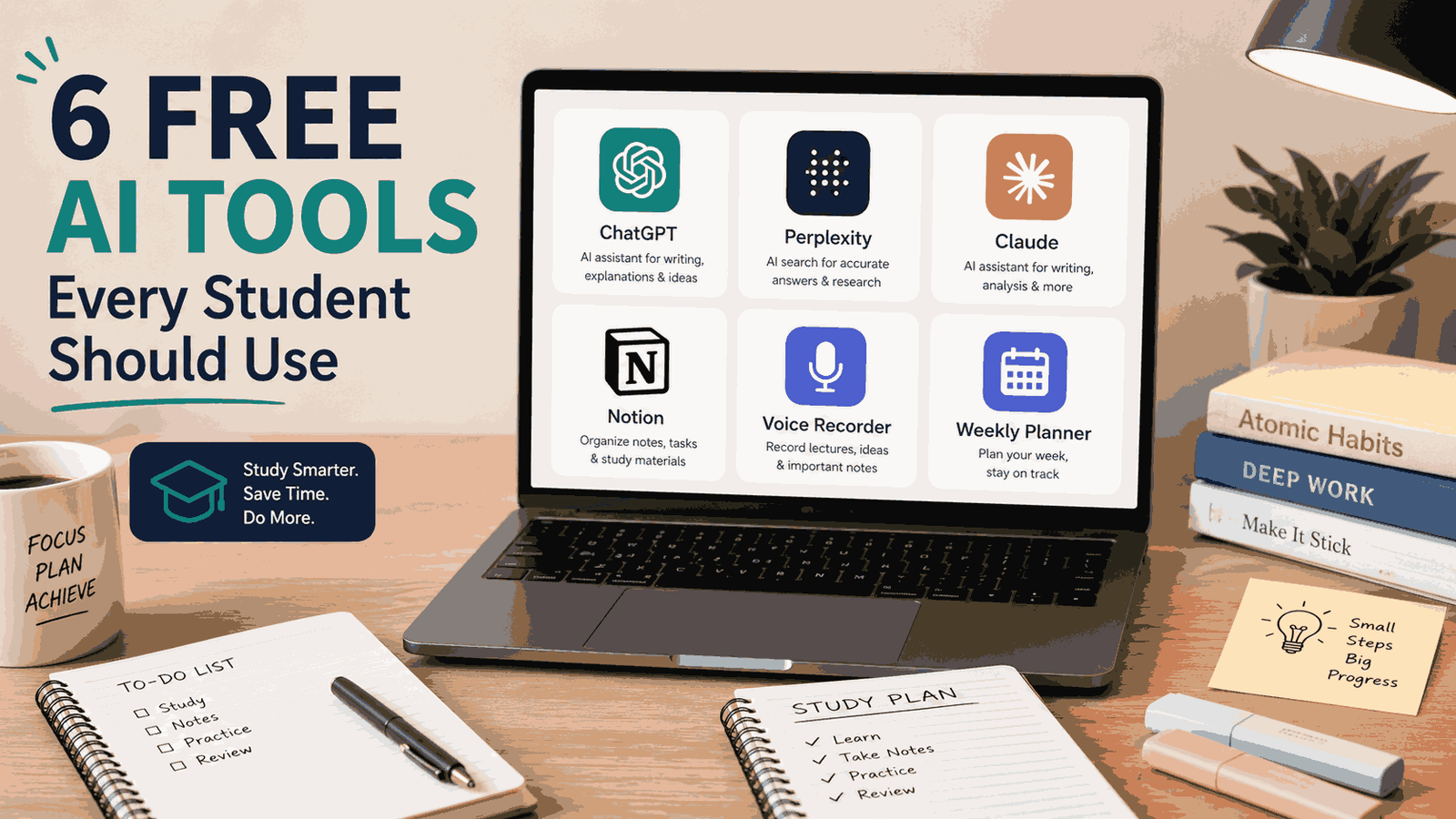
The Tools I Use (All Free)
| Tool | What I use it for |
|---|---|
| ChatGPT | Notes, emails, planning, summarising |
| Perplexity AI | Research with sources |
| Claude AI | Long documents, deeper analysis |
| Notion AI | Organising notes (free tier) |
| Voice recorder (phone) | Recording lectures |
You don’t need to pay for anything to start. Every tool above has a free version that is more than enough.
FAQ
Is using AI for university assignments considered cheating?
Using AI automation for students is not about cheating; it is about efficiency. The goal is to use tools like ChatGPT or Perplexity AI to handle administrative tasks, organize research, and summarize readings. You should never copy AI-generated text directly into your final assignments. The critical thinking and final writing must always be your own.
Which AI tool is best for summarizing long academic papers?
Both ChatGPT and Claude AI are excellent for summarizing long readings. Claude AI often handles very large documents better, making it ideal for 40-page academic papers, while ChatGPT is great for quick summaries and extracting key takeaways.
Do I need to pay for premium AI tools to automate my student tasks?
No. You can build a highly effective system using entirely free tools. The free tiers of ChatGPT, Perplexity AI, Claude AI, and Notion are more than enough to handle daily AI automation for students without spending any money.
How can AI help me plan my university schedule?
You can automate your weekly planning by pasting your upcoming deadlines, lectures, and personal commitments into an AI tool like ChatGPT every Sunday. Ask it to build a day-by-day study plan prioritized by urgency, which saves you from manual scheduling and stops the Sunday panic.
Is Perplexity AI better than Google for student research?
For initial academic research, many students find Perplexity AI much faster than standard Google searches. Instead of just giving you a list of links to click through, Perplexity reads the sources and provides a structured answer with direct citations, ensuring you never lose track of your references.
Start With Just One
If this feels overwhelming, don’t try to change everything at once.
Pick the one task that wastes the most of your time. For most students it’s either email or notes. Start there.
Spend one week just using ChatGPT for that one thing. See what happens.
I promise — within 3 days you will wonder why nobody taught you this sooner.

Noman Ali is a student and beginner digital skills writer behind NaqVentures. He writes practical guides about AI tools, automation, SEO, blogging, and student productivity based on real learning, testing, and beginner-focused workflows.